How to Manage Public Holidays and Paid Leaves for Daily Wagers.
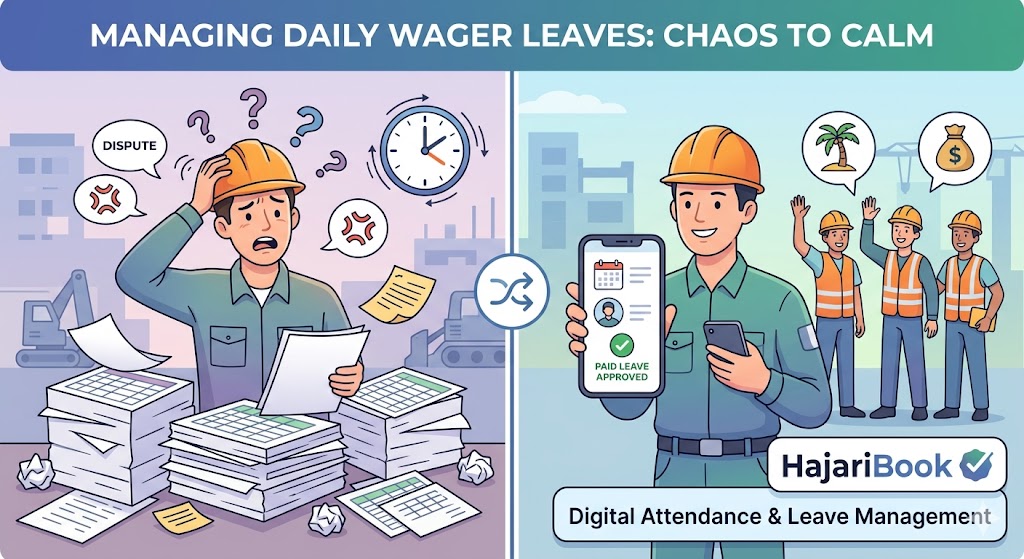
In the daily wage sector, the concept of "Paid Leaves" or "Public Holidays" is often a gray area. Traditionally, if a daily wager doesn't show up, they don't get paid—simple as that. However, as the industry evolves and labor laws tighten, providing structured leave benefits has become a key factor in attracting and retaining top-tier talent.
Managing these benefits manually is a nightmare of spreadsheets and messy notes. Using HajariBook, you can automate this process, ensuring fairness for your workers and peace of mind for your management.
1. The Challenge of Manual Leave Tracking
When you manage dozens or hundreds of workers, tracking who is eligible for a holiday bonus or a paid leave is nearly impossible on paper.
- The Confusion: Did the worker meet the "minimum days worked" criteria for a paid holiday?
- The Conflict: Disputes arise when one worker gets paid for a festival and another doesn't.
- The Compliance Risk: Failure to adhere to local labor laws regarding public holidays can lead to legal headaches.
2. Setting Up Public Holidays in HajariBook
With a digital system, you no longer have to manually "add" money to every worker's profile on Republic Day or Diwali.
- Automated Bulk Entries: Set a specific date as a "Paid Holiday" in the HajariBook dashboard. The system automatically marks all active workers as "Present (Paid)" for that day.
- Eligibility Rules: You can filter which workers receive the holiday pay based on their project site or labor category.
3. Implementing a Paid Leave Policy
To keep your best workers from burning out, offering a few days of paid leave per month can be a game-changer.
- The Accrual Method: Use HajariBook's reporting to see how many days a worker has completed. For example, for every 20 days worked, you can grant 1 "Paid Leave" credit.
- Transparent Tracking: Workers can check their leave balance directly, reducing the need for constant back-and-forth with the site supervisor.
4. How to Communicate the Policy to Your Team
A policy is only effective if the workers understand it.
- Explain the Criteria: Tell them they must work X days to qualify for a paid public holiday.
- Show the App: Show them how their attendance is being marked in HajariBook so they can see the "Paid Holiday" entry for themselves.
- Consistency is Key: Use the digital system every time so the workers build trust in the process.
Conclusion
Managing daily wagers doesn't have to be chaotic. By using HajariBook to handle public holidays and paid leaves, you elevate your business from a "daily hire" operation to a professional organization that workers respect and stick with.
Simplify your site management today. Switch to HajariBook and make holiday pay a breeze.